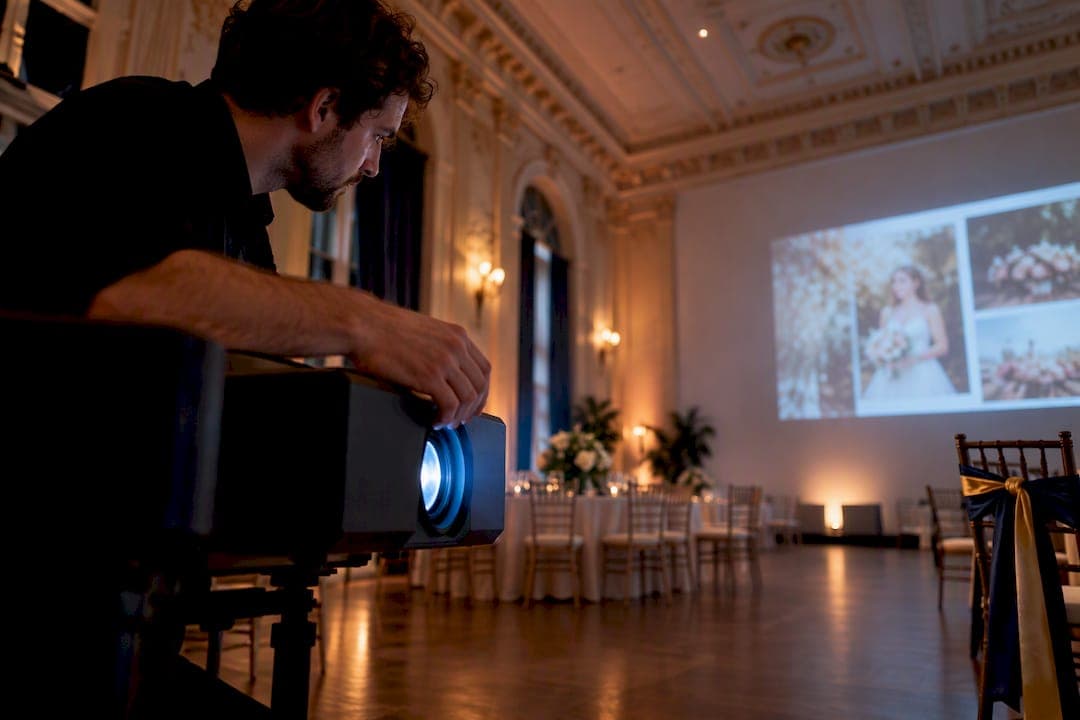
Yes, a projector is worth it for a large-scale wedding slideshow, and the single decision that matters most is pairing enough brightness with a real screen instead of a bare wall. Aim for a 3,000 to 5,000 lumen 1080p projector, a dedicated screen sized to your room, and a tested MP4 backup on two separate drives. Test everything on the venue's actual power and lighting before the wedding day, not the morning of.
TL;DR:
- Brightness levels between 3,000 and 5,000 lumens are essential for outdoor or well-lit venues, with resolution being less critical if the image threatens to wash out.
- Pair the projector with a dedicated, matte white screen sized according to the viewing distance to ensure a clear, uniform image, especially in unpredictable lighting conditions.
- Test all equipment in the actual venue environment in advance, including playback of the entire slideshow to prevent glitches and ensure smooth operation during the event.
- Use MP4 files exported at 1080p and lock the aspect ratio, with backups on USB and cloud to avoid file, hardware, or compatibility issues on the wedding day.
- Keep slideshow duration under five minutes for maximum engagement, timing it after speeches or during quieter moments to maintain guest attention.
Table of Contents
- How to choose the right projector for a wedding slideshow
- Should you rent a screen or project on a wall?
- How do you create a wedding slideshow that plays well on a projector?
- What should be on your AV checklist for the wedding day?
- When should the slideshow play during the reception?
- How do you handle sound and backups for the slideshow?
- What does a projector rental for a wedding actually cost?
- What's the final run-through before guests arrive?
- Venue-hosted AV: what to confirm when you book
- A shorter show almost always beats a longer one
- Book a venue where the projector is already handled
- Sources
- FAQ
How to choose the right projector for a wedding slideshow
Brightness matters more than resolution in almost every wedding venue, because you can't control the ambient light the way a movie theater does. A dim tent at dusk can get away with 2,000 to 2,500 ANSI lumens. A lit ballroom with windows or chandeliers needs 4,000 to 5,000 lumens minimum, and outdoor daylight setups often push past that. A 4,000 to 5,000 lumen 1080p projector outperforms a dimmer 4K model in almost any room you can't dim completely, since resolution means nothing if the image washes out.
Before you book anything, confirm:
- Room type and lighting: tent, ballroom, or outdoor reception
- Projection distance from the projector to the screen (this determines throw type)
- Available inputs: HDMI is standard, but confirm USB and adapter compatibility
- Power access near the projector location
Tight spaces call for a short-throw projector or lens, since it reduces shadowing and keeps the unit out of the walking path between guests and the screen. If you're renting through a projector lumens reference for events, use it to match your room size before committing to a rental.
Should you rent a screen or project on a wall?
A dedicated screen beats a painted wall almost every time. Walls absorb light unevenly, show texture and seams, and rarely reflect true color, while a matte white screen gives uniform brightness edge to edge.
- Size the screen using a 1 to 6 ratio: for every foot of screen width, guests can sit up to six feet back and still read faces clearly
- Mount or stand the screen at a height that clears seated heads, roughly 3 feet off the ground for most banquet rooms
- Check sightlines from the back tables and avoid placing it near sconces, string lights, or exit signs that will bleed light onto the image
A screen size guide by viewing distance helps you settle this before booking. A plain, unpainted white wall with no texture can work in a pinch if the room is dark and the throw distance is short, but it's the fallback, not the plan.
How do you create a wedding slideshow that plays well on a projector?
Two paths work for building the slideshow itself. Quick template editors like Adobe Express let you drop in photos, pick a template, and export directly to MP4 in under an hour, which suits couples who want a clean result without learning software. Manual editors give you full control over transitions and music sync, but they take longer and reward people who already know their way around timeline editing.
- Choose 25 to 30 photos for a scheduled show, since that range keeps a presentation under five minutes and holds guest attention. A background loop for cocktail hour can run 80 to 150 images.
- Set each photo to display for 5 to 8 seconds, adjusting slightly to match music beats if you're syncing to a song.
- Export as MP4 at 1080p for universal compatibility with venue equipment, or 4K only if you know the venue projector supports it.
- Lock the aspect ratio to 16:9 before exporting so the image doesn't stretch or letterbox on unfamiliar hardware.
- Name the file clearly (couple names, date) and save two backup copies, one on a second USB drive and one accessible through a cloud link.
Our own wedding slideshow etiquette breakdown covers photo counts and pacing in more depth if you want a second opinion before you start editing.
What should be on your AV checklist for the wedding day?
Most slideshow failures come down to a missing cable or an untested file, not a broken projector. AV pros consistently point to the same short list of essentials: projector, screen, laptop, HDMI cable, adapters for your laptop's ports, a power strip, and a backup USB with the file already loaded.
- Test the exported file on the actual projector and screen, in the room, with the lights set the way they'll be during the reception
- Confirm your laptop's sleep and screensaver settings are disabled before the show starts
- Hide the mouse cursor and close background notifications so nothing pops up mid slideshow
- Lock the display resolution to match the projector's native output to avoid stretching
Pro Tip: Run the full file start to finish at least once in the actual room, not just a thirty second preview. Files that scrub fine in editing software sometimes stutter on unfamiliar hardware, and you want to catch that before guests are watching.
If your venue has uneven lighting, a low ceiling for mounting, or you're not confident troubleshooting on the fly, hire an on-site AV technician for the afternoon. It's cheap insurance against a frozen laptop during your first dance photos.
When should the slideshow play during the reception?
Timing decides whether people actually watch. A scheduled slideshow works best right after toasts and speeches, when guests are already seated, attentive, and emotionally primed. Running it during dinner service also works, since it gives people something to watch between courses without competing with dancing or the cake cutting.
- Keep a scheduled show under five minutes so it doesn't outstay its welcome
- Save a longer looping version, 15 minutes or more, for cocktail hour or a quiet corner of the reception
- Have the MC or DJ announce it by name so guests know to look up
- Give the venue coordinator 30 minutes notice before you want it to start, so lighting and sound can be adjusted in time
How do you handle sound and backups for the slideshow?
Route audio through the venue's house soundboard whenever possible. Bluetooth speakers sound fine for a living room, but they drop out or lag in a room full of bodies and furniture, which is the last thing you want during a song that matters to you.
- Export in MP4 with an AAC audio track for the widest compatibility across projectors and laptops
- Bring a second USB copy of the file plus a cloud link as a third backup
- Test playback volume in the actual room, since a nearly empty ballroom sounds very different from one full of 150 guests
- Confirm with the venue's sound tech how the music will fade in and out around the slideshow
What does a projector rental for a wedding actually cost?
Daily projector rental rates in the U.S. typically fall between about $25 and $150, with brightness and resolution as the main price drivers. A basic 2,000 lumen unit sits at the low end; a 5,000 lumen 1080p or 4K model runs toward the top.
- Delivery and setup often add a flat fee on top of the base rental
- Screen rental is usually a separate line item, not bundled automatically
- On-site technician support and a damage waiver are the most common add-ons
- Booking multi-day or bundling the projector with screen and delivery through one vendor tends to lower the total
Budgeting for a technician is worth it when the room is large, the lighting is uncontrollable, or nobody in the wedding party wants to be the person troubleshooting cables in their formalwear.
What's the final run-through before guests arrive?
Do this walkthrough after setup but before the room fills, giving yourself enough time to fix anything that goes wrong.
- Power on the projector and let it warm up, then check image alignment and focus against the screen edges.
- Play the audio track alone first to check levels, then run the full slideshow file start to finish.
- Tape down cables, mark any trip hazards near the projector stand, and confirm who holds the remote during the show.
- Verify both backup copies play correctly and tell at least one other person where they're stored.
Venue-hosted AV: what to confirm when you book
Ask about load-in time, whether AV setup is included in your package, and any tech fees before you sign. The Standard Event Package at Ambassador Club includes a projection wall and built-in projector, so confirm lumens and screen placement against your guest count and room lighting during the booking conversation, not the week of the wedding.

A shorter show almost always beats a longer one
Couples chase completeness, packing in every photo from the relationship. But attention drops fast in a room full of open bar and cake, and a tight, well-paced show holds emotion better than a sprawling one. If you want sentiment to land, it is often better to keep the slideshow short and save extra photos for a background loop later in the night.
— MARTIN
Book a venue where the projector is already handled
Booking a venue that includes a large projection wall and built-in projector lets couples skip the rental hunt and allocate their budget toward catering or photography instead.

When you book a package on the services page, mention your slideshow plans early so the team can confirm room lighting, load-in time, and any technical needs ahead of your date. Fees like the security deposit and cleaning fee are listed there too, so you can budget the full event cost before signing. Reach out through the services page to check availability and start the conversation about your AV needs.
Sources
- How to Create a Wedding Slideshow That'll Have You Reminiscing
- Adobe Express — create a video slideshow
- Projector Rental Price Guide for U.S. Buyers 2026
FAQ
How do you do a slideshow with a projector at a wedding?
Connect your laptop to the projector with HDMI, confirm the display resolution matches the projector's native output, and run the exported MP4 file at full screen. Test it in the actual room beforehand with the lights set as they'll be during the reception, and keep a backup copy on a second USB in case the laptop has issues.
What is the best program to create a wedding slideshow?
Template-based tools like Adobe Express let you build a polished slideshow and export straight to MP4 without advanced editing skills. Manual editing software offers more control over transitions and music timing if you're comfortable spending extra hours on it.
How much does it cost to rent a projector for a day?
Daily projector rentals in the U.S. typically run between $25 and $150, depending on brightness and resolution, with delivery, setup, and screen rental usually charged separately. Venues like Ambassador Club that include a built-in projector as part of the rental package let couples skip this cost entirely.
What is the best projector for displaying photo slideshows?
A 3,000 to 5,000 lumen 1080p projector is the safest choice for most wedding venues, since brightness matters more than resolution when you can't fully control room lighting. Save 4K for venues where you can dim the lights completely and the screen is large enough to show the extra detail.